

Ornate black and gold Drakaris verification shield bearing a dragon crest and a verified seal

Official support & verification resource

Official Drakaris Support & Verification Center

Official support resources, website verification, security guidance and assistance for Drakaris users.

Official domain
www.drakaris.com
Connection
HTTPS with a valid certificate
Reporting
Suspicious domains reviewed on receipt

01  /  Website verification

Confirm you are on the genuine Drakaris website

Impersonation is the most common risk facing players of any established iGaming brand. Before you sign in, deposit or submit a document, take a few seconds to confirm the address in your browser. The checks below are the fastest way to establish that you are on the authentic platform and not on a copy built to capture your credentials.

The only official website is

https://www.drakaris.com/

Any other address, spelling variation or alternative domain ending is not operated by Drakaris. Save the official address as a browser bookmark and open it from there rather than from search results, messages or advertisements.

Open the official website
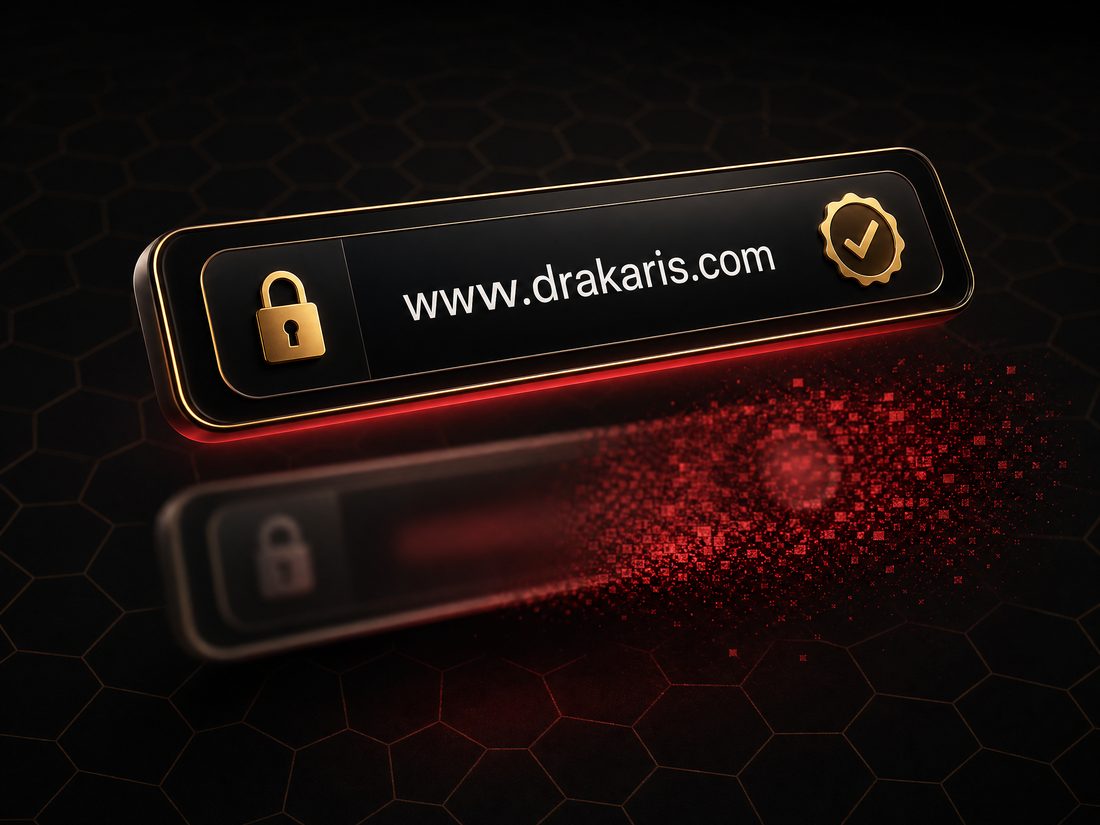
Dark browser address bar showing www.drakaris.com with a gold padlock and verified badge while a cloned address bar dissolves behind it
A genuine session always shows the exact domain, a padlock and a valid certificate.
  1. 1

    Read the address character by character

    The domain must read exactly drakaris.com. Fraudulent copies rely on small edits that are easy to miss at a glance: doubled or dropped letters, an added hyphen, an extra word such as casino, bonus or login, or a different ending in place of .com. Check the part immediately before the first single slash, since anything after it can be freely invented.

  2. 2

    Confirm the secure connection

    The address must begin with https:// and your browser must display a closed padlock. Select the padlock to inspect the certificate. A warning about an expired, self-signed or mismatched certificate is a decisive reason to close the tab immediately and to avoid entering any details.

  3. 3

    Type the address or use a bookmark

    Enter the address manually the first time and bookmark it. Paid advertisements, forwarded links, social media posts and messaging apps are the primary distribution channels for cloned pages, so avoid reaching the platform through them even when the surrounding text looks familiar.

  4. 4

    Check the footer credentials

    The authentic website publishes its operator and licensing information in the page footer. Drakaris is operated by Novatrix SRL under a Tobique Gaming Commission licence. A page that omits this information, or that presents credentials inconsistent with the official website, should be treated as unauthorised.

  5. 5

    Be sceptical of installable files

    The platform is built to run directly in a mobile or desktop browser, so no download is required to play. Any installer, archive or store listing offered as an official Drakaris application is unauthorised and should be reported through the form on this page.

  6. 6

    Verify anything that feels unusual

    If a page, message or promotion asks for a password, a one-time code, a full card number or a document by email, stop and confirm the request first. Use the verification request form below or the live chat on the official website before you respond.

Genuine What a real session looks like

  • The address bar shows www.drakaris.com with nothing inserted before the first slash.
  • A closed padlock and a valid, in-date certificate are present.
  • Operator and licence details appear in the footer.
  • Support is reached through channels published on the official website.
  • Verification documents are uploaded inside your logged-in account area.

Warning Signals of an impersonating page

  • A near-identical domain with an added word, hyphen or unusual ending.
  • A certificate warning, a broken padlock or a plain http:// address.
  • Pressure tactics: countdown timers, threats of account closure, unrepeatable offers.
  • Requests for your password, a one-time code or a full card number by email or chat.
  • An offer to download an application, plug-in or "verification tool".

02  /  Help Center

Guidance for the questions we receive most often

The Help Center gathers practical answers for account access, verification and everyday technical issues. Where an action can only be completed inside your account, the guidance points you to the official website so that sensitive steps always take place in the authentic environment.

Account assistance

Registration details, identity verification, limits and closure requests are all handled inside your account on the official website. Keep your name, address and date of birth consistent with your documents, since mismatches are the most frequent cause of delays during a verification review.

  • Keep registration details current and accurate
  • Upload documents only in your logged-in account area
  • Request limits or self-exclusion from the account dashboard
Login help

If you cannot sign in, open the official website directly and use the password reset link on the login panel. The reset message is delivered to the registered email address. If it does not arrive, check your spam folder before requesting a second message, and never forward a reset link to anyone.

  • Reset only from www.drakaris.com
  • Use a unique password stored in a password manager
  • Confirm the registered email address is still accessible

Website verification

Not sure whether a page belongs to Drakaris? Compare it against the official address, then send it to us. Describe where you encountered the link, what it asked you to do and whether you entered any information, so that the report can be assessed and escalated quickly.

Technical support

Loading problems, a stalled session or a page that will not display are usually resolved by clearing the cache, disabling extensions or switching browser. If the issue persists, note the time, device, browser version and the exact wording of any message before contacting the support team.

  • Clear cache and cookies, then reload the page
  • Disable ad blockers and privacy extensions temporarily
  • Test on a second browser or network to isolate the cause

Responsible Gaming

Play should stay affordable and enjoyable. Deposit, loss, session and wager limits, cooling-off periods and self-exclusion are available from the account dashboard on the official website and take effect immediately once confirmed.

  • Set deposit, loss and session limits before you play
  • Use cooling-off or self-exclusion whenever you need a break
  • Independent support is available at BeGambleAware and Gambling Therapy

General assistance

For questions that do not fit the categories above, including promotions, loyalty progress or brand enquiries, use the contact form below. Requests are routed to the relevant team, and anything requiring access to your account is directed to the official support channel for security reasons.

  • Include a clear subject and the relevant category
  • Describe what you expected and what happened instead
  • Never include passwords or full payment card numbers

03  /  Security Center

Security recommendations for every Drakaris session

Most account compromises begin with a convincing message rather than a technical breach. The recommendations below are ordered by the risks we see most often, from cloned websites and stolen credentials to unsafe networks and unreported look-alike domains.

Black and gold account card protected by a crimson barrier deflecting phishing icons that break into embers
A protected account depends on a verified domain and credentials that are never reused.

01 Avoiding phishing websites

Phishing pages copy the layout, wording and imagery of the genuine site, then capture whatever you type. They are usually delivered through email, SMS, social media replies or sponsored search results. Treat every unexpected link as untrusted: close it, open the official address yourself and continue from there. If a message claims your account is suspended or a payout is pending, verify that claim only inside your own logged-in session.

02 Identifying fake domains

Look-alike domains rely on details the eye skips. Common patterns include a letter swapped for a similar shape, a doubled or missing character, an inserted hyphen, an appended word such as vip, official or app, and an unfamiliar ending in place of .com. Read the domain from right to left, stopping at the first single slash, and compare it against drakaris.com before you interact with the page.

03 Protecting account credentials

Use a long, unique password that is not reused on any other service, and store it in a reputable password manager rather than in a browser note or message thread. Enable every additional authentication option the platform offers. No legitimate member of staff will ever ask for your password or a one-time code, so any such request should be refused and reported.

04 Safe browsing

Keep your browser and operating system updated, since most security patches close flaws that are already being exploited. Avoid signing in over public wireless networks, and never install browser extensions, "verification tools" or applications that promise faster access or guaranteed results. On shared devices, sign out fully and clear the session when you finish.

05 Reporting suspicious websites

Reporting shortens the life of a fraudulent page for everyone. Send the full address, the channel through which you found it, the date and a short description of what the page requested. If you entered any details, change that password immediately, review recent activity in your account and contact the official support team without delay.

If you believe your details were entered on a fraudulent page

  1. Change your Drakaris password immediately from the official website, and change it anywhere else the same password was used.
  2. Review your account history, active sessions and payment details for entries you do not recognise.
  3. Contact the official support team through the live chat on www.drakaris.com and describe exactly what was submitted.
  4. Notify your bank or payment provider if card, wallet or bank details were disclosed.
  5. Report the page through the form below so the domain can be escalated for takedown.

04  /  Frequently asked questions

Answers to the questions users ask first

Select a question to expand the answer. If your situation is not covered here, the contact form below reaches the same team, and account-specific matters are always routed to the official support channel.

How do I verify the official website?

The only official Drakaris website is https://www.drakaris.com/. Type the address directly into your browser rather than following a link, then confirm three things: the domain reads exactly drakaris.com with no additional words, hyphens or alternative endings; the address begins with https:// and shows a closed padlock; and the footer displays the operator and licensing information. Once confirmed, bookmark the page and use that bookmark from then on.

How do I contact support?

Account-specific matters, including verification reviews, payments and bonus questions, are handled by the support team through the live chat and the contact channels published on the official website. Use the contact form on this page for website verification questions, security guidance and reports of suspicious domains. When you write in, include a clear subject and the relevant category so your request reaches the correct team on the first attempt.

I forgot my password.

Open www.drakaris.com directly, select the login panel and use the password reset link. A reset message is sent to the email address registered on your account; if it does not appear, check your spam folder before requesting another. Choose a new password that is long, unique and not reused anywhere else. Never enter your credentials on another domain and never share a reset link, because a valid link is enough for someone else to take control of the account.

How do I report a suspicious website?

Use the contact form below, select the category Report Suspicious Website and include the full address of the page, how you encountered it, the date and a short description of what it requested. If you already entered details, change your password immediately and contact the official support team as well. Reports are reviewed and forwarded to the brand protection channel so the domain can be escalated for takedown.

Is this an official support portal?

Yes. This portal operates as an official support and verification resource for Drakaris users, providing trusted information, customer assistance, website verification, security recommendations and reporting channels for suspicious websites. It does not host games, accounts, deposits or withdrawals: every one of those operations remains exclusively on www.drakaris.com.

Does Drakaris have a mobile application?

No download is required. The platform is built to run directly in a mobile or desktop browser, so you simply open the official address on your phone or tablet. Any installer, archive or store listing presented as an official Drakaris application should be treated as unauthorised and reported through this portal.

Who operates Drakaris and under which licence?

Drakaris is operated by Novatrix SRL and holds a licence issued by the Tobique Gaming Commission. These details are published in the footer of the official website, which makes the footer a reliable point of comparison: a page that omits this information, or that shows credentials inconsistent with the official site, is not an authorised Drakaris property.

How do I set limits or take a break from play?

Responsible gaming controls are available in the account dashboard on the official website. You can set deposit, loss, session and wager limits, activate a cooling-off period or apply a self-exclusion, and each takes effect as soon as it is confirmed. Independent and confidential support is available from organisations such as BeGambleAware, Gambling Therapy and GamCare.

05  /  Contact Support

Send a support, verification or report request

Complete the form with as much detail as you can provide. Choose the category that matches your request so that it reaches the correct team without a further exchange of messages. Never include your password, a one-time code or a full payment card number in any message.

Do not include passwords, one-time codes or full payment card numbers. Account-specific requests are routed to the official support channel for verification.

06  /  Trusted resources

What this verification center provides

Each area below corresponds to a service this portal delivers for Drakaris users, from confirming the authentic domain to routing assistance requests and escalating reports of unauthorised brand use.

Official Website Verification

A single, unambiguous statement of the authentic domain, together with a repeatable checklist so you can confirm the address, certificate and footer credentials before signing in.

Review the checklist

Customer Support

A structured intake for assistance requests, with clear routing so account matters reach the official support channel and general questions are answered without unnecessary delay.

Contact the team

Security Center

Practical recommendations covering phishing, fake domains, credential protection and safe browsing, written for everyday use rather than for specialists.

Read the recommendations

Responsible Gaming

Guidance on the limits, cooling-off periods and self-exclusion tools available in your account, alongside links to independent and confidential support organisations.

See the tools

Account Assistance

Step-by-step direction for registration details, identity verification and account controls, with sensitive actions always completed inside your logged-in session.

Open the Help Center

Website Safety

A side-by-side comparison of genuine and impersonating pages, so a cloned website can be recognised from its address, certificate and behaviour before any harm occurs.

Compare the signals

Trusted Resources

A consolidated reference point that keeps verification, support, security and reporting information in one place, reducing the need to rely on unverified third-party pages.

Browse the FAQ

Continue on the official Drakaris website

Verified address, secure connection, published operator and licence details.

Visit https://www.drakaris.com/